- AI automation is a category, not a product. One automated workflow and a multi-department system are both “AI automation” and cost very different amounts.
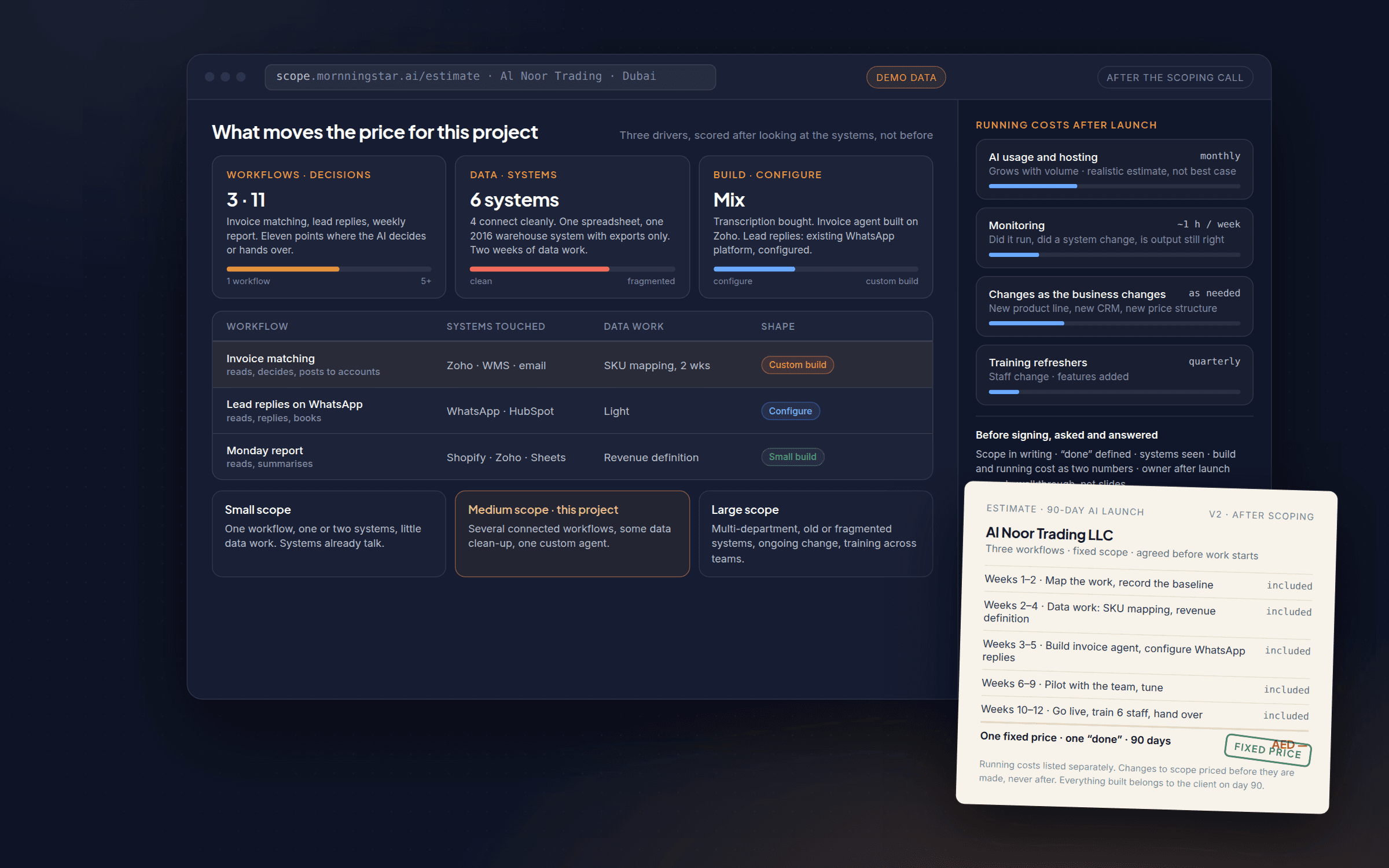
- Three things move the price more than anything else: how many workflows and decision points, how messy your data and systems are, and whether you build or configure an existing tool.
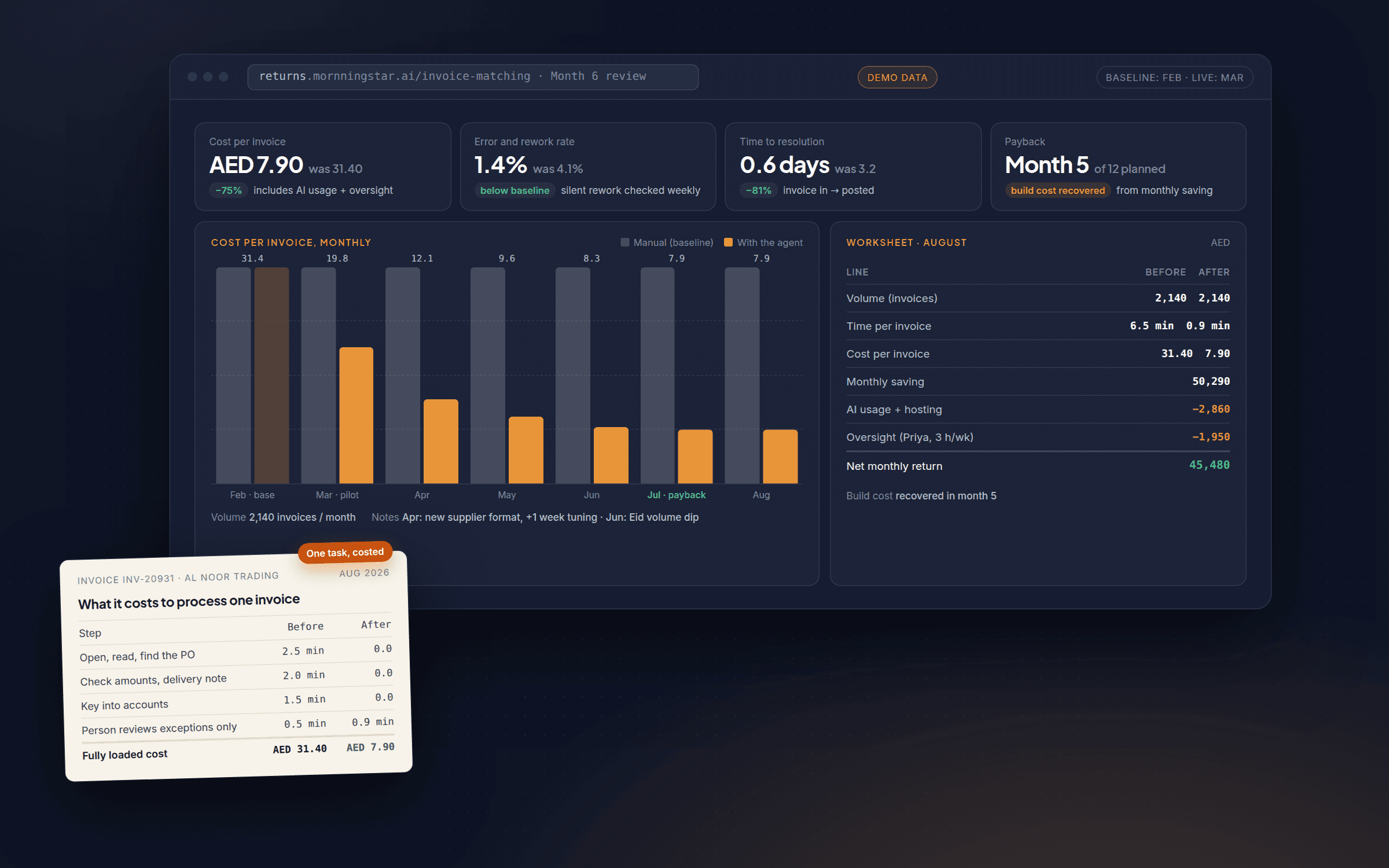
- The build is rarely the whole bill. Budget for usage fees, light monitoring, changes as your business changes, and the occasional training refresher.
If you have asked a few agencies what AI automation costs and had three different answers, you are not being given the runaround. The honest answer really is “it depends”. This note explains exactly what it depends on, for business owners in Dubai, Abu Dhabi, Sharjah and beyond who are past “should we?” and on to “what should this cost us?”
Why “it depends” is the honest answer
AI automation is not one product with one price. It is a category that runs from a single workflow that saves a team a few hours a week to a multi-department system that touches the CRM, the accounts, the website and the support inbox at once.
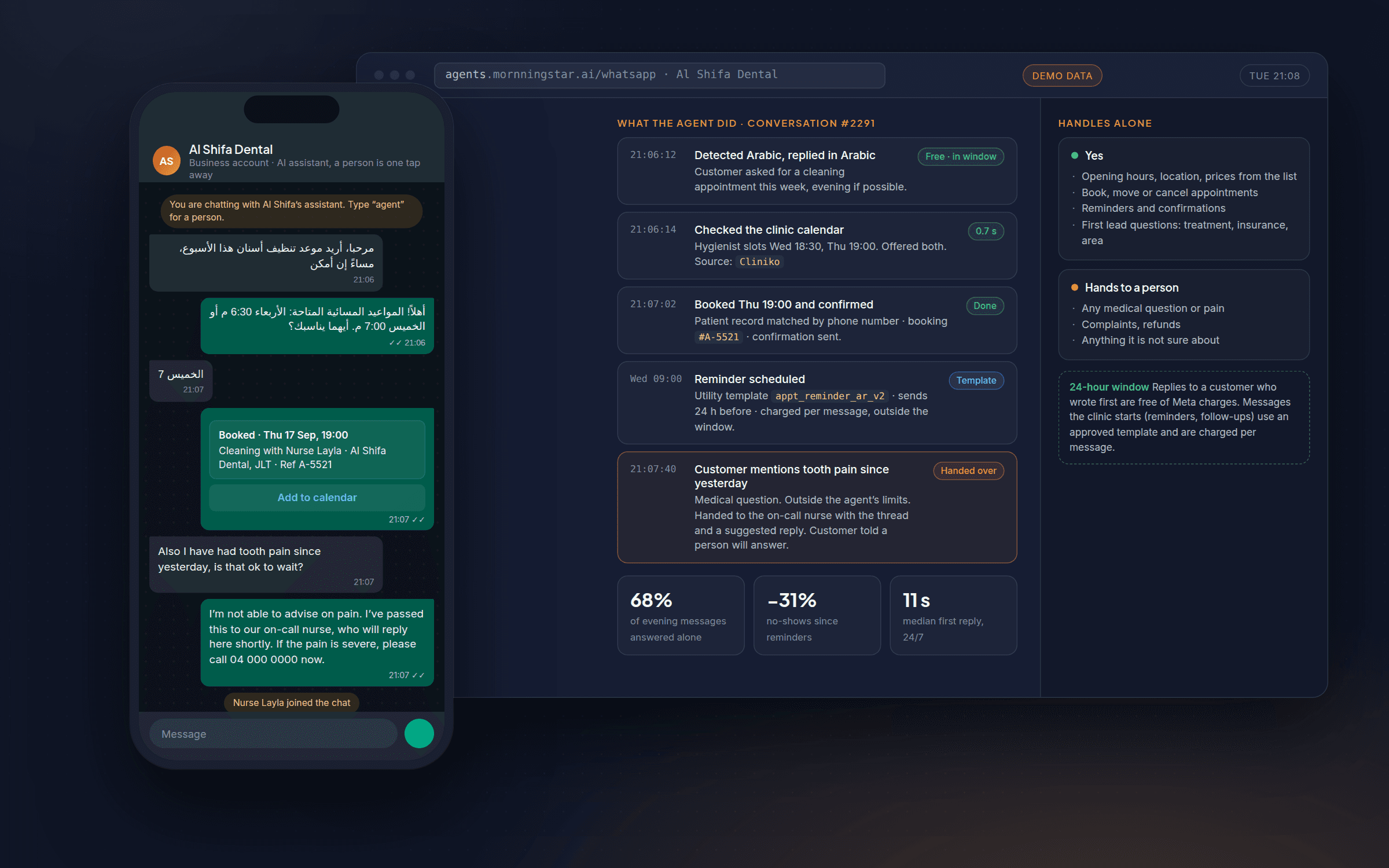
Two businesses can both say they want “AI automation” and mean completely different projects. One wants a chatbot that answers the same five questions on its website. The other wants an agent that reads incoming leads, checks them against the CRM, drafts a personal reply and books a meeting with no human touch until the call itself. Those do not cost the same, and any agency that quotes them identically either does not understand the work or has not asked enough questions.
What moves the price
How many workflows, and how many decisions
The simplest driver is scope. Automating one clearly defined process, say sorting and tagging inbound support tickets, is a contained piece of work. Automating five connected processes across sales, support and operations is not five times the work, but it is substantially more, because those workflows have to talk to each other without breaking. A useful rule: price follows the number of decision points and handovers the AI has to manage, not the number of tasks. A workflow that only reads and summarises is cheaper than one that reads, decides and acts in another system.
How messy the data and systems are
This is the driver owners most underestimate. If customer data, stock and order history live cleanly in one modern platform with a documented connection, plugging AI into it is comparatively quick. If the same information is split across an old ERP, three spreadsheets and a system the original vendor no longer supports, someone has to do the unglamorous work of connecting, cleaning and reconciling it before any AI can use it reliably. It is why two businesses in the same industry, asking for what sounds like the same automation, get very different quotes. The AI is often the easy part. The data plumbing underneath is where the time, and the cost, usually goes. Our note on data readiness explains how to check yours.
Build or configure
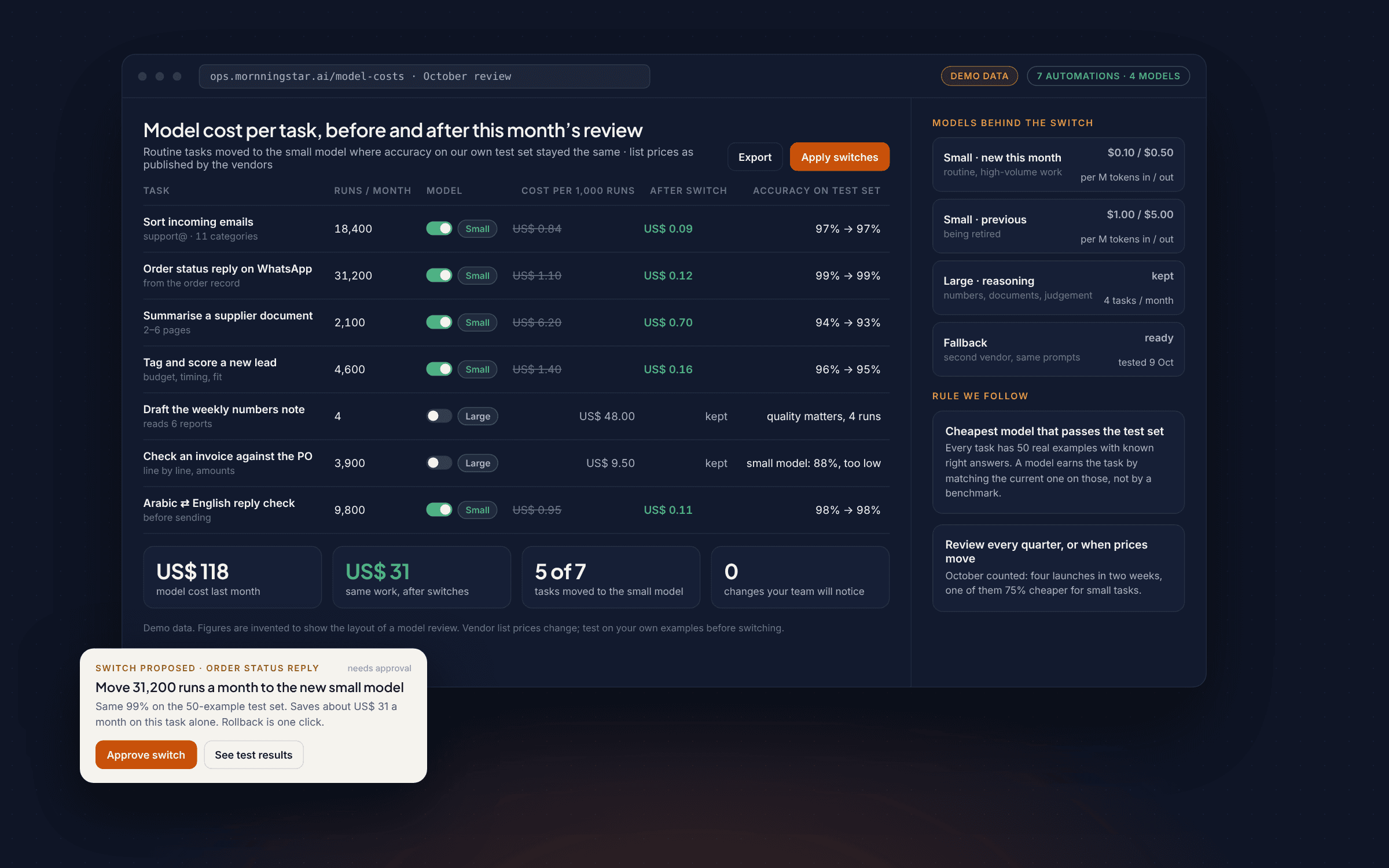
Not every automation has to be built from scratch. Sometimes an existing tool, configured well, does most of what you need at a fraction of the cost. Other times your workflow is specific enough, or your systems unusual enough, that an off-the-shelf tool forces you to change how you work, which is its own hidden cost. A capable partner should tell you when a cheap subscription solves your problem rather than selling you a build you do not need. Custom agents and development make sense when the workflow is genuinely yours, when existing tools cannot connect to your systems, or when you need something that will still fit in three years. The build-or-buy note has the test we use.
Three shapes of project
Rather than one number, it is more honest to describe three shapes of project. Where a business lands depends mostly on how much foundational data work is needed before the AI can be switched on, which is why a scoping conversation matters more than a price list.
- Small scope. One well-defined workflow connected to one or two systems, little custom data work. Typically: automating one repetitive task such as invoice sorting, lead tagging or appointment reminders, where the systems involved already talk to each other.
- Medium scope. Several connected workflows, or one workflow that spans departments and systems, with some data clean-up. Typically: a customer-facing agent that pulls from the CRM and the calendar, or an internal automation that touches sales, support and reporting together.
- Large scope. Multi-department automation, significant integration work across old or fragmented systems, and ongoing changes as the business evolves. Typically: a company-wide rollout across several functions, often paired with training so staff can run and adjust the system themselves.
What you pay after launch
The build is rarely the whole bill. Once an automation is live, expect some combination of the following, in smaller and more predictable amounts than the build.
- Software and usage fees. Many AI tools charge by use: requests, messages or records processed. For most small and mid-sized automations this is a modest monthly line, but it grows with use, so ask for a realistic usage estimate rather than a best-case one.
- Monitoring and maintenance. Systems that touch live business data need occasional checking: did the workflow run correctly this week, has a connected system changed, is the output still accurate. Lighter than the build, not zero.
- Changes as your business changes. A new product line, a new CRM, a new price structure: any automation tied to those needs a matching update. Businesses that treat automation as build-once-ignore-forever are the ones surprised by a support bill later.
- Training refreshers. As staff change or features are added, a short refresher keeps the team using the system rather than working around it.
None of this should be a surprise if it is discussed up front. If a proposal does not mention what happens after launch, that is a gap to ask about before you sign.
Six questions before you commit
- What exactly is in scope, and what happens if we need changes? A fixed price only means something if the scope behind it is written down.
- What does “done” look like, and by when? A specific deliverable and a specific date, not an open-ended engagement.
- Which data and systems will this need, and have you actually looked at ours? A quote given before anyone has seen your systems is a guess, not a price.
- What does it cost to run each month after launch? Build cost and running cost are two different numbers. Ask for both.
- Who maintains it once it is live, and what does that cost?
- Can you show me how it would work, not just describe it? A short walkthrough or prototype tells you more than a slide deck.
For the questions that come before this one, whether to spend at all, see five questions to answer before you spend a dirham on AI. For choosing between partners once you have decided, see how to choose an AI automation partner.
Get a straight answer for your business
Every starting point is different, and the only way to get an accurate number is to have someone look at your actual workflows and systems. If you want a plain conversation about what this would look like and cost for your business specifically, thirty minutes on a call is where it starts.
Questions
Is AI automation cheaper in the UAE than elsewhere?
Can we start small and grow?
Why will nobody give me a price over the phone?

Leads every 90-day programme personally. Writes these notes from the projects that shipped and the ones that did not, so you can skip the second kind.